Sheet metal press brake bending sequence planning is the process of deciding the order, orientation, tooling, gauging, and handling for every bend before a part reaches production. A bend order that appears obvious on a flat drawing can trap the part, block a flange, collide with the punch or ram, or make the next bend difficult to measure. A planned sequence should satisfy the drawing while keeping every operation feasible on the actual machine and safe for the operator.
Sheet metal press brake bending sequence planning: define the job
Start with the current drawing revision, material grade and thickness, blank dimensions, bend angles, inside radii, flange lengths, tolerances, surface requirements, and expected quantity. Confirm whether the blank is already cut and deburred, whether features are preformed, and which face is cosmetic. Check that the drawing defines datums and bend dimensions clearly enough for production and inspection.
Translate the drawing into a bend list. Give each bend a reference number and record its line length, direction, target angle, inside radius, relevant flange dimensions, and any adjacent hole, slot, notch, return, embossment, or weld. A simple side sketch or 3D part view often makes the sequence constraints easier to see than a table of bend labels alone.
Identify the resources that constrain the order: press-brake model and work envelope, tool system, punch and die inventory, available clamping, backgauge axes, supports, guards, lifting aids, and any angle measurement or automation system. If the part requires special tooling or a second machine, record that before sequencing. Do not plan around a tool or support that is not actually available.
Map the part after every bend
For each candidate step, imagine or simulate the blank after that bend has been formed. Mark which leg rises, which face contacts the die, which edge will be gauged, and how the part must be held. This creates a sequence map: flat blank, first bend, second bend, and so on. The goal is to identify when a new wall blocks access to a bend or changes the available clearance.
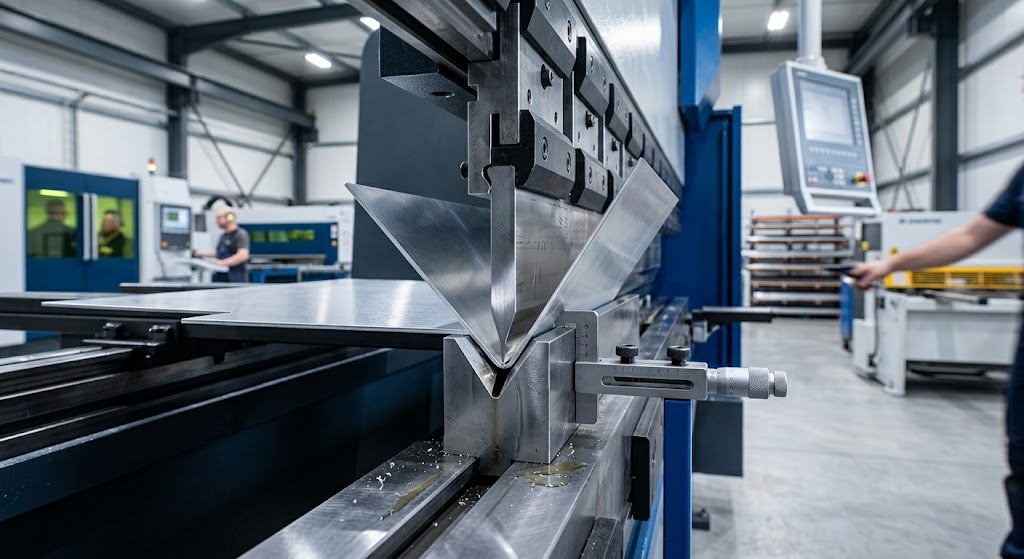
Check interference at three moments: tool approach, forming travel, and withdrawal. A flange may clear the punch when it is fully formed but touch the tool while rotating upward. A part may also collide with the ram, frame, table, backgauge, guard, support arm, or an already formed wall. Include these machine elements in the model or in the manual clearance review.
Look for bend dependencies. A hole, slot, or cutout may need to be positioned before another wall closes access. A hem pre-bend, return, narrow channel, or internal flange may require a specific order or special tool. Some bend pairs have more than one workable sequence; compare them for clearance, gauging, surface protection, and repeatability rather than choosing only by the shortest route.
Choose which bend to make first
The first bend can determine the datum and access available for later operations. A long straight flange may provide a useful reference, but forming it first can create a tall wall that blocks another bend. Starting with a short or internal feature may keep the blank flat and accessible, but could leave less stable edges for backgauging. Assess each choice against the full remaining sequence.
Work from the geometry and constraints instead of applying a universal “inside bends first” or “largest flange first” rule. Those shortcuts can help describe a simple job, but they fail when the part has nested returns, a box shape, a tight corner, or an asymmetric bend. Make a sequence sketch and test the candidate order before standardizing the program.
Consider whether a bend should be made in a single stroke, in multiple stations, or with a special punch, die, or fixture. Any such choice must be confirmed with the machine, tooling, and process data. A sequence that is possible only after an unapproved tool substitution or risky hand position is not a production-ready plan.
Check tool access and punch-part clearance
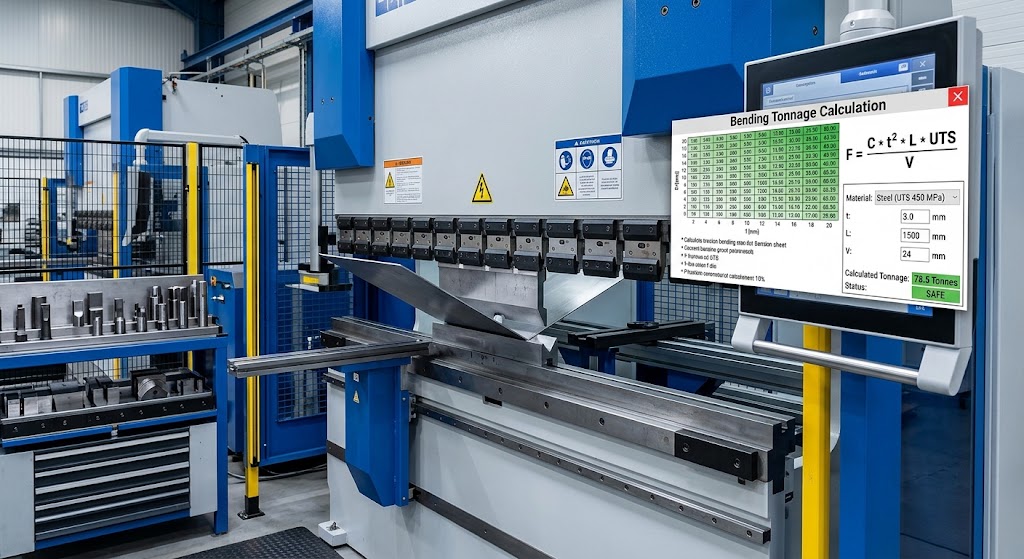
Match the selected punch and die to each operation, then check the full tool profile against the part at that stage. Confirm included angles, nose radius, tool height, relief, die opening, clamping interface, segment lengths, and rated capacity from the tooling chart. A straight punch may work for an open bend but block a return leg; a relieved or gooseneck punch can provide clearance for some shapes, though the actual profile must be verified.
When a tool change is required between bends, plan where each tool will be installed along the machine and how the setup will be repeated. Segmented tools may allow local layouts, but every segment, joint, and support must meet the manufacturer’s requirements. Do not assume that a tool layout generated by software proves the actual clamp or segment arrangement is safe.
Use dimensioned supplier drawings or an approved bend simulation to check the tool-to-part relationship. Bystronic recommends simulating the bending sequence and describes manual checking against tooling drawings when simulation is unavailable. Keep the drawing or model revision used for the check with the job so that later changes do not silently invalidate the clearance review.
Plan gauging and part orientation
Choose a repeatable datum for each bend and decide which surface or edge contacts the backgauge. The next bend may require the part to be flipped, rotated, or supported in a different way. Record that orientation on the setup sheet or work instruction, particularly when two orientations look similar but produce a mirror-image or reversed result.
Confirm that backgauge fingers reach the intended edge without contacting a flange, hole, weld, or formed wall. A gauging surface may change after each bend. If the part becomes unstable, rocks, or cannot be held against the fingers consistently, use an approved stop, fixture, support device, or alternate datum. A nominal machine position is not a reliable datum if the part does not seat the same way each time.
Review the backgauge position and machine clearance for each step. Check finger height, extension, axis movement, and the envelope of the part during motion. For long or flexible sheets, coordinate the gauge plan with the approved sheet-support arrangement. See the press brake backgauge setup guide for the separate positioning and accuracy checks.
Consider operator handling and surface protection
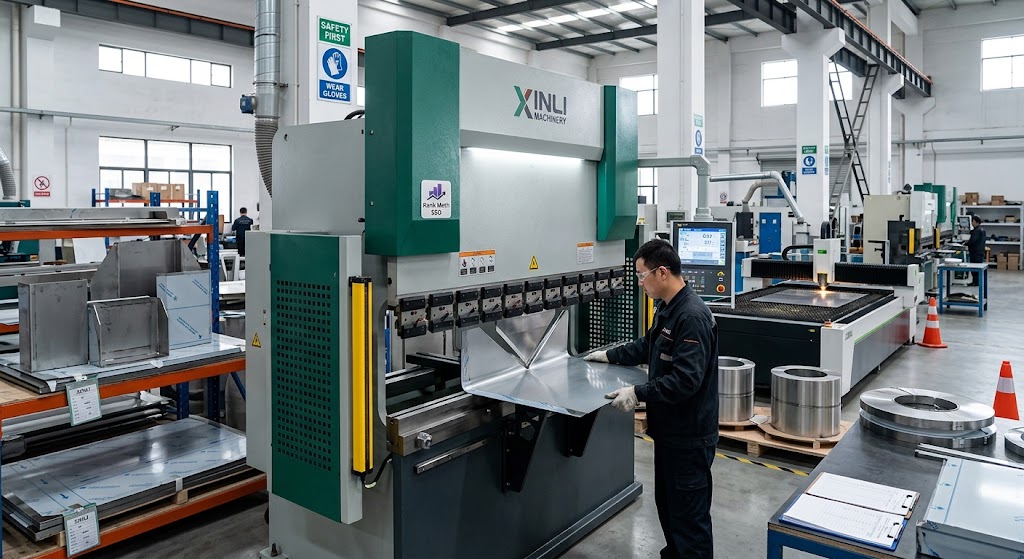
Plan how the operator loads the flat blank, holds it during each bend, turns it, supports its weight, and removes the finished part. Large, heavy, narrow, or asymmetric blanks can shift or rotate unexpectedly. Decide when to use a second trained person or approved lifting and support equipment. Follow the machine guards and site safe-work procedure at every step.
Make sure the proposed hand positions stay outside the hazard zone and do not require an operator to catch a falling edge or force a part past a collision. If the sequence makes the workpiece difficult to support, look for another order, an approved support table, manipulator, or fixture. The operator should not have to improvise a hold during production to make the programmed order possible.
For cosmetic faces, check whether the part slides across the punch, die, backgauge, or support between operations. Keep contact surfaces clean, identify permitted protection, and note which face is visible after assembly. A different bend order can reduce handling damage, but only if the new sequence still meets access, gauging, and safety requirements.
Check bend allowance and finished dimensions
The flat pattern and programmed bend sequence must use consistent material, radius, tooling, and bend deduction assumptions. A correct bend order does not correct a blank that was developed with the wrong allowance. Confirm the CAD or CAM flat pattern uses the released material and process values, then verify any revision changes that affect bend lines or finished dimensions.
For a multi-bend part, errors can accumulate. Compare the finished dimensions after intermediate bends with the final inspection plan, especially when a later gauge datum depends on an earlier flange. If the blank or bend deduction is changed, update the job documentation and recheck the programmed sequence rather than manually compensating at the control without approval.
Use the bend allowance and bend deduction guide for the separate flat-pattern calculations. Keep this sequence plan focused on operation order and feasibility; link to the calculation guide rather than repeating all of its formulas.
Use offline programming and simulation carefully
When offline programming is available, import the current 2D or 3D part and define the correct material, machine, tooling, clamps, backgauge, supports, and operation constraints. Ask the software to generate or suggest a sequence, then review each bend. Software can help compare candidate orders and reveal likely collisions before the job reaches the brake.
Check that the machine and tool models match the real equipment. A generic punch, missing clamp detail, wrong tool height, outdated die opening, or incorrect material thickness can make a collision-free animation misleading. Verify the program revision, tool library revision, and any manual edits before transferring it to the machine.
A simulated sequence is not an approval to ignore machine ratings, operator instructions, or physical checks. Inspect any close-clearance areas in the actual setup. If a support, guard, fixture, or cable is absent from the model, check it separately against the real machine. If the software cannot represent a special flange or tool geometry accurately, treat that part of the sequence as unresolved and ask for a manual review.
Reduce setup changes without harming feasibility
For batches or multiple part numbers, sequence jobs to reduce unnecessary tool changes only after each part’s bend order and tool layout are validated. Grouping similar tools can save setup time, but it should not force an unsuitable punch, die, or order onto a part. Keep the production schedule separate from the bend sequence inside one part so the two planning decisions are not confused.
Document tool IDs, station positions, segment lengths, bend order, part orientation, backgauge data, material, and inspection requirements. If an operator proposes a change to the order at the machine, require the approved simulation or clearance review and update the controlled program. A quick drag-and-drop resequencing feature can be useful, but the new order still needs verification.
Record recurring setups as controlled references linked to a specific drawing and revision. If the part changes, the material changes, or the press brake is different, recheck the assumptions before reusing the saved program. A setup record improves repeatability but does not validate a different part or machine automatically.
Build the sequence review table
Use a simple table to compare candidate orders. For each bend, record the step number, bend reference, tool set, part orientation, gauge datum, support method, clearance notes, and inspection point. Mark any dependency or interference that requires a specific order. For a difficult part, include an image or screenshot of the sequence state that the operator can recognize at the machine.
First-piece verification of the bend order
At the machine, verify the drawing revision, material, machine, tool IDs, program revision, and first operation against the setup sheet. Confirm that the blank is oriented correctly and that any required supports and guards are in place. Run the first part using the approved procedure and observe each transition between bends for binding, unexpected movement, or close clearance.
Inspect the finished geometry against the drawing. Check bend order, orientation, flange lengths, angles, hole positions, twist, surface condition, and any dimensions that serve as datums for later operations. Confirm the part was not distorted while being turned or held. Record the result and any approved correction before releasing a batch.
If the part collides, slips, or cannot be gauged consistently, stop the run. Compare the real part and tools with the simulation or sequence sketch, identify which model or assumption differs, and revise the controlled plan. Do not tell operators to force the sheet or skip a planned bend to get around a collision.
Common sequence-planning errors
- Planning from the flat blank only: check the part after every bend, not just its original outline.
- Checking only the final tool position: inspect approach, forming travel, rotation, and withdrawal.
- Trusting a generic simulation model: confirm machine, tool, clamp, support, and material definitions.
- Choosing the order only to reduce tool changes: fit and safety constraints come before setup optimization.
- Ignoring the gauge face: a formed flange may remove the original datum for the next operation.
- Leaving part orientation to memory: document how to flip and rotate the blank at each step.
- Changing the order without review: recheck collision, gauging, and inspection when the program changes.
Bending sequence planning checklist
- Confirm the drawing, material, blank, bend data, tolerances, and visible faces.
- Number each bend and map the part after each candidate operation.
- Check dependencies, punch and die access, machine envelope, and tool ratings.
- Choose a datum, orientation, backgauge position, and support method for every step.
- Review handling, guarding, lifting, and cosmetic surface requirements.
- Verify flat-pattern assumptions and simulation definitions against the actual job.
- Document tool IDs, sequence, program revision, first-piece checks, and unresolved approvals.
- Validate the controlled first piece before releasing production.
Frequently asked questions
Is there one correct bending order for every sheet-metal part?
No. The workable order depends on part geometry, access, tooling, machine envelope, gauging, handling, and inspection. Some parts have several valid sequences; choose one that can be repeated safely and meets the drawing.
Should I always make the longest bend first?
No universal rule applies. A long bend may provide a useful datum, but it can create a wall that blocks later operations. Compare candidate orders after each bend and verify the full part path.
Does offline simulation prove the sequence is safe?
No. Simulation helps identify collisions when its models are accurate. It does not replace checking real tool ratings, machine instructions, supports, guards, or the actual setup.
What should I do if the part cannot be held steadily?
Stop and review the sequence, gauge datum, supports, and handling plan. Use an approved fixture or support method where required. Do not ask an operator to improvise a hold in the machine’s hazard area.
Can an operator change the sequence at the press brake?
Only through the shop’s approved change-control process. A revised order can change collisions, gauging, and inspection references, so validate it and update the controlled program before production.
Related guidance and sources
For punch geometry and interference, see gooseneck punch vs straight punch and how to select press brake tooling. For repeatable gauge positions, see the backgauge setup guide. Browse Xinli’s press brake and bending machine range, or contact Xinli Machinery with a drawing if a complex sequence needs application review.
Manufacturer references: Bystronic’s offline-programming overview describes sequence simulation and collision checks. Its press-brake essentials article discusses correct sequence order and clearance for complex parts. TRUMPF Praxis describes 3D press-brake process simulation. Before publication, Xinli’s technical team should verify the advice against its supported machine/control workflows and add a reviewed sample sequence or diagram.